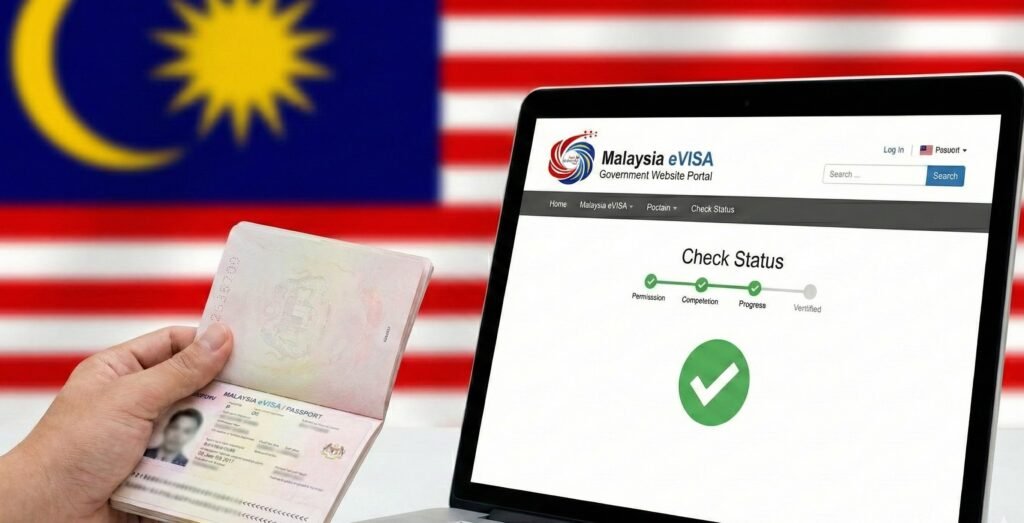
Is your trip to Malaysia approaching, but your inbox is empty?
Waiting for visa approval is stressful. You’ve submitted your documents, paid the fees, and now you’re stuck in limbo, wondering if your application is being processed or if it’s lost in the system. The anxiety of a “pending” status can ruin the excitement of your upcoming travel.
The good news? You don’t have to wait in the dark.
Checking your application status is free, instant, and simple if you know where to look. This guide cuts through the confusion, showing you exactly how to verify your status on the official portal and decode the results.
Need help with your application? At applymalaysiavisa.com, we simplify the process to ensure your journey starts without the paperwork headache.
Prerequisites: What You Need Before Checking
Before you log in, gather the right data. The system is strict; a single wrong digit will return an error.
Ensure you have these three items ready:
- Passport Number: The exact number used in your application.
- Sticker Number: This is found on your visa document (if previously issued).
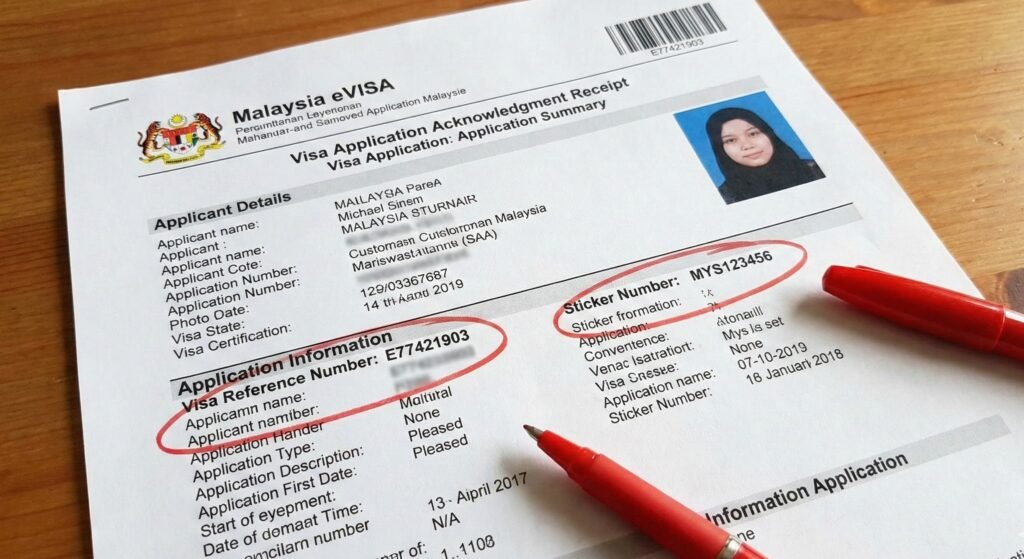
- Visa Reference Number: A unique code starting with E (e.g., E77421…) found on your acknowledgment PDF or email receipt.
Pro Tip: Open your original application PDF on your laptop. It’s safer to copy and paste these numbers than to type them manually.
Method 1: The Official Online Check (Step-by-Step)
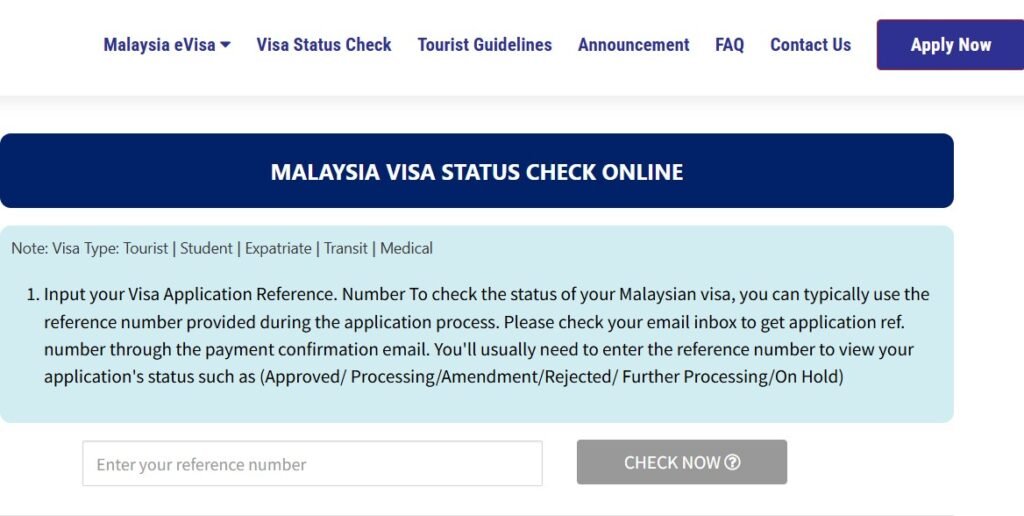
To track your status is directly through our Malaysia Visa Status Check Online portal.
Follow this exact process to get real-time updates:
- Access the Portal: Visit our official Apply Malaysia eVISA website.
- Locate the Checker: Find the “Visa Status Check” bar usually located on the homepage or the top navigation menu.
- Select Your Document: Choose “Passport Number” as your search criteria.
- Enter Data: Input your Passport Number and your Visa Reference Number.
- Verify: Complete the CAPTCHA security check.
- Search: Click the “Check” button.
If your application is in the system, the results will appear immediately below the search bar.
Troubleshooting: Why Does It Say “No Record Found”?
This is the most common panic point for travelers. Seeing “No Record Found” does not necessarily mean your application was deleted or rejected.
It usually happens for one of these reasons:
- The 24-Hour Rule: If you applied less than 24 hours ago, the system might not have indexed your application yet. Be patient.
- Data Entry Errors: Did you type the letter ‘O’ instead of the number ‘0’? This is the #1 cause of errors. Double-check your Reference Number.
- Wrong Portal: Are you checking an eNTRI application on the eVISA portal? These are different systems. Ensure you are on the correct tracking page for your specific visa type.
Still facing issues? Visit applymalaysiavisa.com for resources on how to ensure your application details are correct from the start.
Decoding Your Status: What Do The Results Mean?
Once you see your status, you need to know what it actually implies for your travel plans. The terms used by the immigration officers can be vague.
Here is a breakdown of the status codes:
Status Meaning Comparison Table
| Status Code | What It Actually Means | Action Required |
| Application Received | The system has your file, but a human hasn’t looked at it yet. | Wait. Check again in 24 hours. |
| In Progress / Pending | An Immigration Officer is currently reviewing your documents. | Do not reapply. Wait for the final decision. |
| Approved | Your visa is granted. | Download and print the eVISA (A4 format). |
| Rejected | Your application was denied. | Check the reason code. You may need to appeal. |
Alternative Methods: When the Portal Fails
If the website is down or giving persistent errors, you have backup options.
- Email Support: Contact the helpdesk at the Malaysia High Commission. Include your Passport Number and Reference Number in the subject line.
- Phone Inquiry: Call the Malaysian Immigration hotline during Kuala Lumpur business hours (GMT+8).
- Consulate Visit: As a last resort, visit the nearest Malaysian Embassy with your acknowledgment receipt.
Frequently Asked Questions (FAQ)
How can I check my Malaysia visa status with my passport number?
You must visit our official Apply Malaysia eVISA portal.
Navigate to the “Check Status” section. You will need to enter your Passport Number strictly. Often, the system also requires your Visa Reference Number for security verification to prevent unauthorized tracking.
How long does it take for Malaysia Evisa status to update?
It typically takes 2 to 5 working days.
During peak travel seasons, the “In Progress” status might persist for up to a week. If 7 working days pass without an update, you should contact the support team immediately.
What does ‘Pending’ status mean for Malaysia Evisa?
It means your application is in the queue for review.
It is not a rejection. An officer simply hasn’t processed it yet. Do not submit a duplicate application while pending, as this triggers an automatic fraud alert and potential rejection.
Can I track my Malaysia visa status using my phone?
Yes, the official websites are mobile-responsive.
You can use Chrome or Safari on your smartphone. However, ensure you have your Reference Number saved on your phone to copy-paste it, as typing long alphanumeric codes on a mobile screen often leads to errors.
Why is my Malaysia visa status showing ‘No Record Found’?
This usually indicates a typo or checking too early.
Verify you aren’t confusing zeros with the letter ‘O’. Also, ensure at least 24 hours have passed since you submitted your payment. If the error persists after 48 hours, contact the support desk.